- Q.Is it safe for my LinkedIn account?
- A.You do: sign in to LinkedIn, in the app's own window on your computer (the app never sees your password); click Save on profile suggestions and Send on messages to recruiters; apply through Easy Apply when a job uses it; solve any captcha or security check LinkedIn shows. The app does: read your profile and the jobs you open, fill in suggestions and draft recruiter messages in that window, and stop when LinkedIn shows a warning. It never uses Easy Apply and never sends a message by itself. Letting it click Save on profile edits is optional, one edit at a time: LinkedIn doesn't allow automated changes and can restrict accounts, so it's your call. Recruiter messages have a daily cap.
- Q.What happens when there's a captcha?
- A.The app never solves or clicks a captcha. On an application form, it stops on that job and leaves it to you: open the job, solve the captcha and send it yourself (in auto mode it moves on to the next job and lists that one under “to apply yourself”). On LinkedIn, it stops reading or writing: solve the captcha or security check in the LinkedIn window, then click “Sign in to LinkedIn” (for reading) or “I've dealt with it on LinkedIn” on the LinkedIn screen (for messages and profile edits). After a captcha, recruiter messages and the app's own Save clicks wait 24 hours.
- Q.Does it apply without me?
- A.Only if you want it to and have auto-mode access. By default (and on Companion), nothing is sent without your permission: the app fills in the form, stops before submitting, and you check it and send. Auto mode is currently an invite-only beta for paid Companion subscribers, turns on only after you authorize it on that computer, and applies only on Greenhouse, Lever and Ashby within your limits. It leaves jobs with a captcha or a sign-in wall to you, and stops on repeated errors. A sent application can't be undone, so start by reviewing.
- Q.Which sites does it work with?
- A.It finds jobs on the career sites companies use (Greenhouse, Lever, Ashby, Workday, SmartRecruiters, Gupy, Sólides, Inhire, Recruitee, Workable and more), on remote job boards and, with a paid plan, on Google Jobs. It fills in applications on Greenhouse, Lever and Ashby; on Workday, SmartRecruiters, Gupy and Sólides form filling is in beta; on others, such as Inhire, Recruitee and Workable, it tries and leaves you whatever it can't fill. On LinkedIn, it reads the job you open in the app and fills in the application when it's on the company's site. You can also paste a job you found elsewhere. Indeed is out, because its terms ban it. The full list of sites
- Q.Does it work for jobs abroad?
- A.Yes. It finds remote, hybrid and on-site jobs in Brazil and abroad. The resume's summary and headline, the cover letter and the form answers follow the language of the posting, or of the question: Portuguese to English and English to Portuguese are the usual cases, but it isn't limited to that pair. Section headings and dates come in English, Portuguese and Spanish; for other languages they stay in English. Everything is translated faithfully from your profile, adding nothing, and levels of a language only appear if your profile states them.
- Q.Is the score my chance of getting hired?
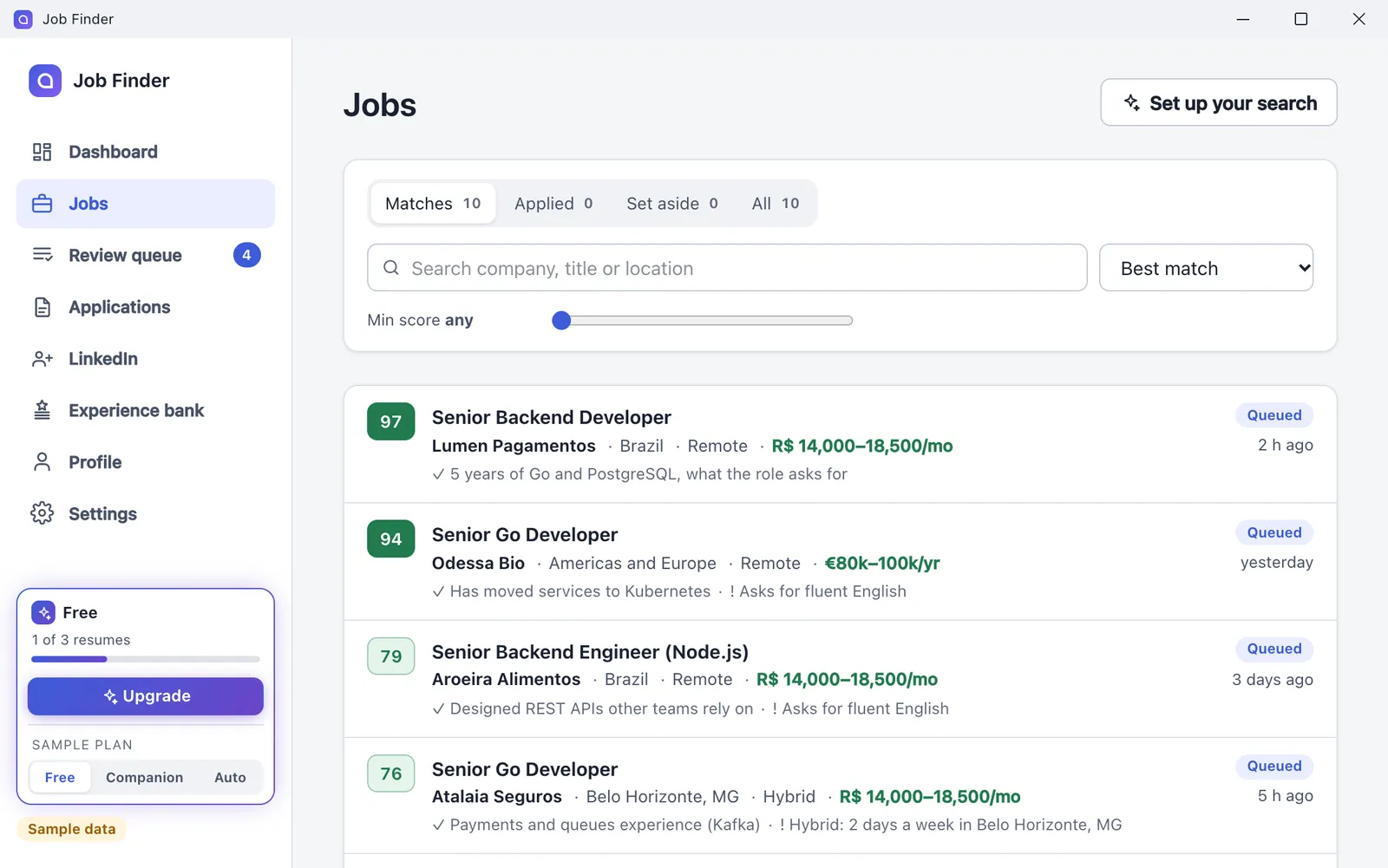
- A.No. The score, from 0 to 100, measures how well the job fits your profile and preferences, and it comes with the reasons: why it fits and the concerns. Hiring is the company's call.
- Q.What data leaves my computer?
- A.Only the part of your profile and the job that each task needs. It goes to our server, which sends it to the AI model and returns the result; the server records usage (which task and what it cost), not content. Your account keeps your email, your name and an encrypted copy of your profile, which you can turn off and delete in Settings. Crash reports are sent automatically, without personal data (you can turn this off in Settings), and usage statistics carry counts, never what you write. Privacy details
- Q.Does the demo on this page use real AI?
- A.No. The demo shows sample jobs and scores worked out in your browser, and what you type in it isn't sent anywhere. The app does it for real, with your profile and real jobs.
- Q.Can I cancel any time?
- A.Yes, in the app under Settings → Account or in your browser account page. On both monthly and annual Companion billing, your plan keeps running until the end of the period you paid for, then moves to Free with nothing more charged. If you bought by mistake or the app didn't work for you, ask for a full refund within 14 days of payment or renewal.
- Q.How do annual Companion billing and the Auto beta work?
- A.Annual Companion charges R$ 569 upfront once a year (saving R$ 379 compared to 12 months at R$ 79/month) with the same features and monthly quota resets. Auto is an invite-only beta: paid Companion subscribers can join the waitlist on the web or in the app, with no guarantee of an invite. After beta, Auto will be a separate paid plan and you won't be charged for it unless you choose to subscribe.
- Q.What do I need to run it on Windows or Linux?
- A.Windows 10 or 11, 64-bit (x64 or Arm), with WebView2, which Windows 11 and up-to-date Windows 10 already have; if it's missing, the installer sets it up. On Linux, x86_64 with glibc 2.34 or newer (Ubuntu 22.04+, Debian 12+) and WebKitGTK 4.1. The app uses the Chrome, Edge or Chromium you already have, or downloads Chromium the first time.
- Q.Do I sign up on the website?
- A.You can sign in with Google and subscribe to Companion right from the pricing section, or download the app and sign in from there. The Free plan starts right away, with no card.
- Q.Will Vagalupa get me hired?
- A.No tool can promise that. Vagalupa saves the time spent searching, tailoring and filling in forms, and helps you apply to the jobs that fit you best. Hiring is still the company's decision.